For portraits · Travel · Headshots · Selfies
Just you, nobody else
Brush over photobombers, watermarks or clutter behind you. AI rebuilds the background — and leaves you exactly as you are.
Examples
Drag to see the difference
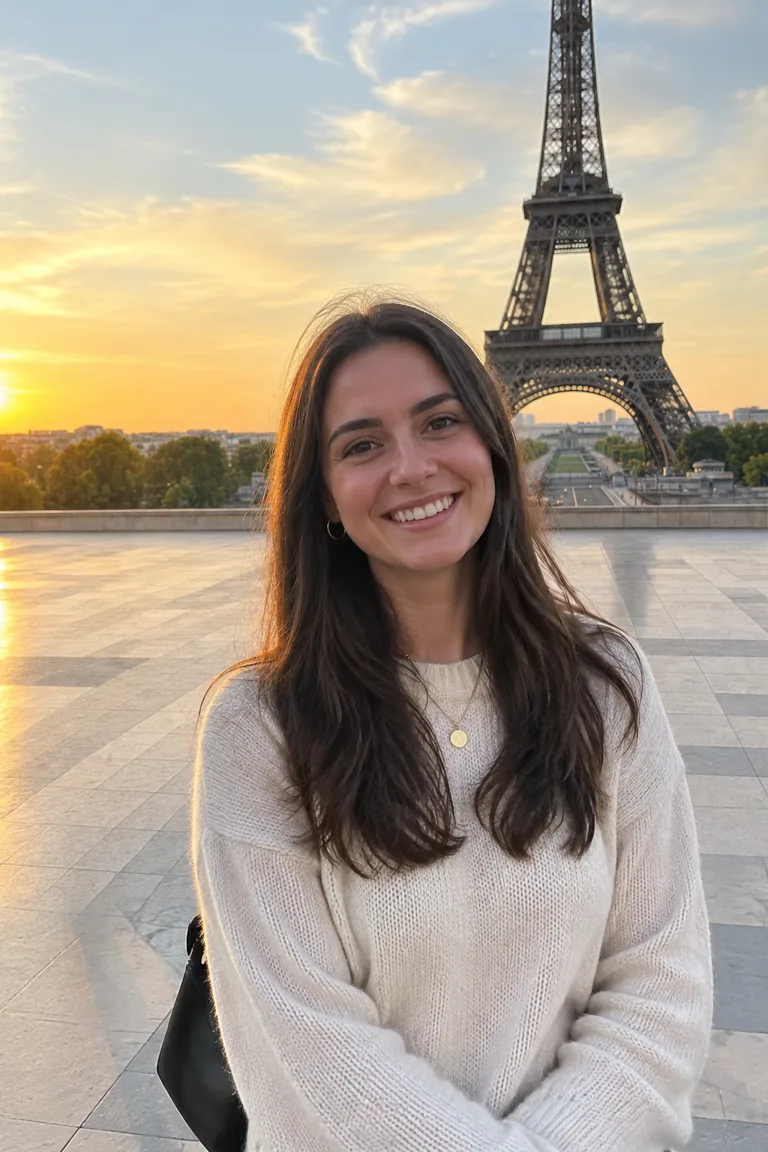
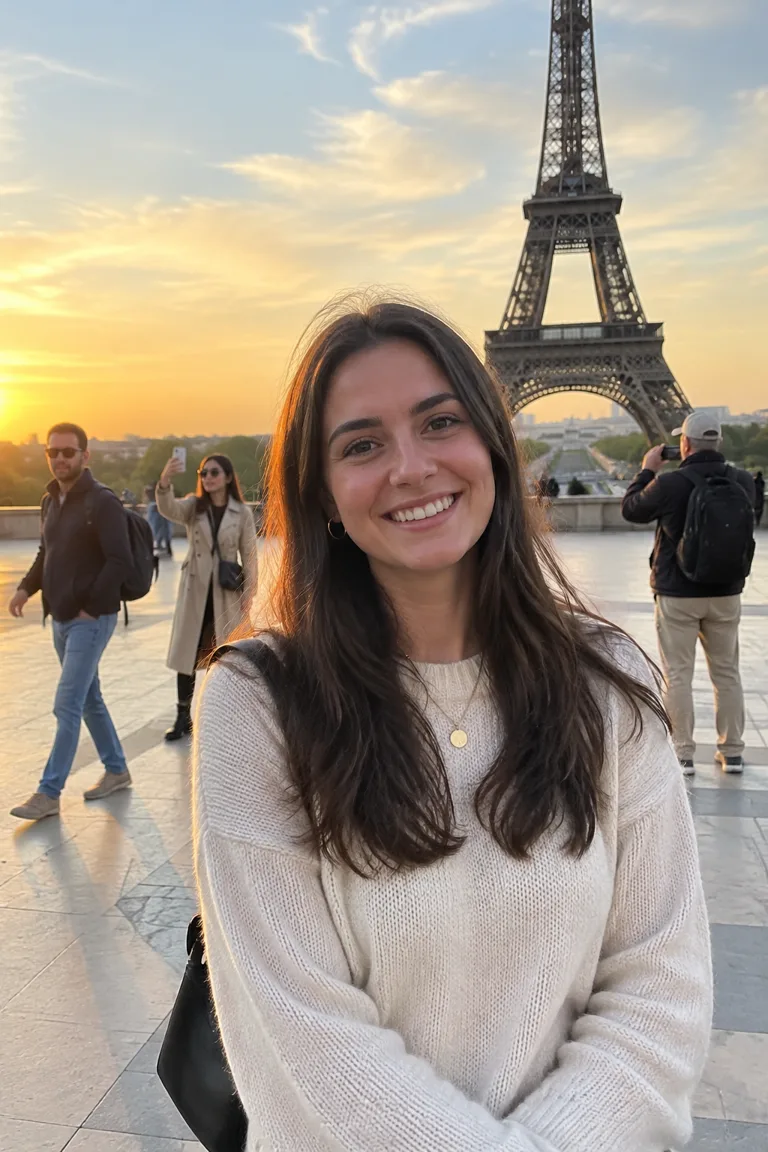 BeforeAfter
Remove tourists
Three strangers wandered into her Paris shot. Gone — the plaza is rebuilt behind her.

 BeforeAfter
Remove watermarks
A PROOF stamp across a headshot, cleared from the jacket and backdrop.
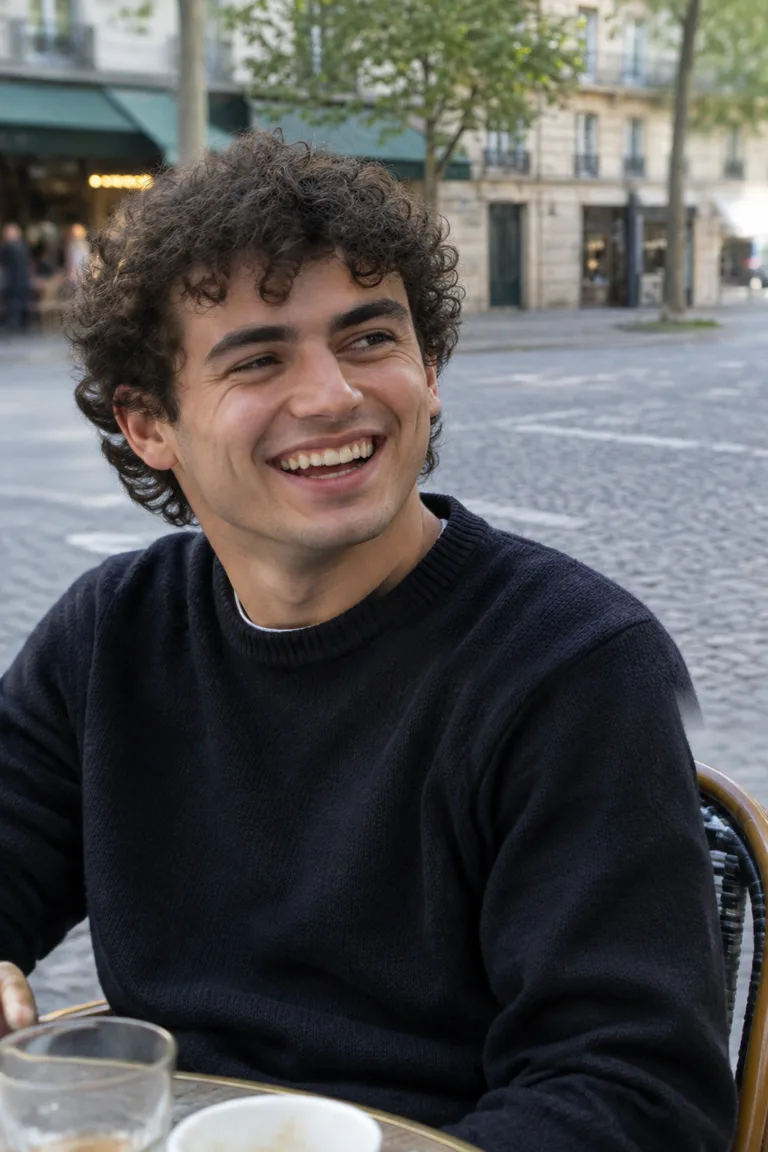
 BeforeAfter
Clean up the background
A passer-by, a trash bin and a traffic cone, removed from a café portrait.
You stay untouched
Only what you brush changes — your face, hair and outfit stay pixel-exact
Background rebuilt
AI continues pavement, walls and light behind the subject
No installation
Works right in your browser
Download anytime
Save a full-quality PNG in one click
Three simple steps
- 01
Upload your portrait
- 02
Brush over the stranger or watermark
- 03
Download the clean result
FAQ
What can I remove?
Photobombers and passers-by, watermarks, date stamps, logos, trash bins, cones and other clutter behind the person in your photo.
Will it change my face?
No. Only the area you brush is replaced; everything else in the photo stays exactly as it was.
Not happy with the result?
Hit Undo and brush a little tighter around the object, leaving nearby edges visible so the AI can continue them.